top of page

Website Template Demos


Share Your New Website With
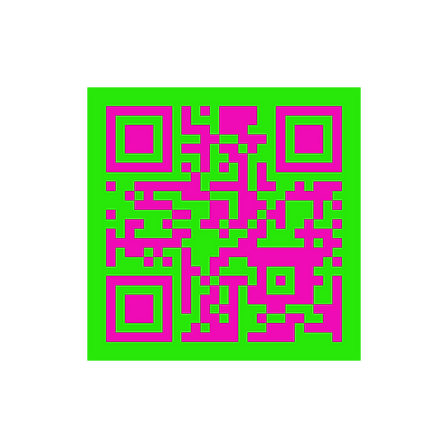
A FREE Canva QR Code
Step 1: Click “Apps” from Canva’s list (under folders) and search, “Static QR codes”.
Step 2: Customize the colors of your QR code. Add URL and click “generate code.”
Step 3: Go to the top right hand corner and click the “Share” button.
Step 4: Select the PNG file format and click, “Download.”
bottom of page